TkRaceBlitz
Turn your TikTok LIVE into a 3D race with TKRaceBlitz. Up to 200 viewers race with their photo while gifts and comments fire turbos, missiles and shields.
TKRaceBlitz by TosGames is an interactive racing game made for TikTok LIVE streamers on PC. Every viewer who reacts to your live (a like, a comment, a follow, a share or a gift) jumps into the race with their TikTok name and profile photo, and drives, rides or runs to their place on the starting grid. When the countdown hits GO, the whole chat races at once.
During the race, your audience controls the action. A comment fires a turbo, a gift launches a missile at the leader, another wraps a racer in a shield or freezes the one in front. You decide which comment, like count or gift triggers each event, and the game shows the rules on screen so viewers know how to play.
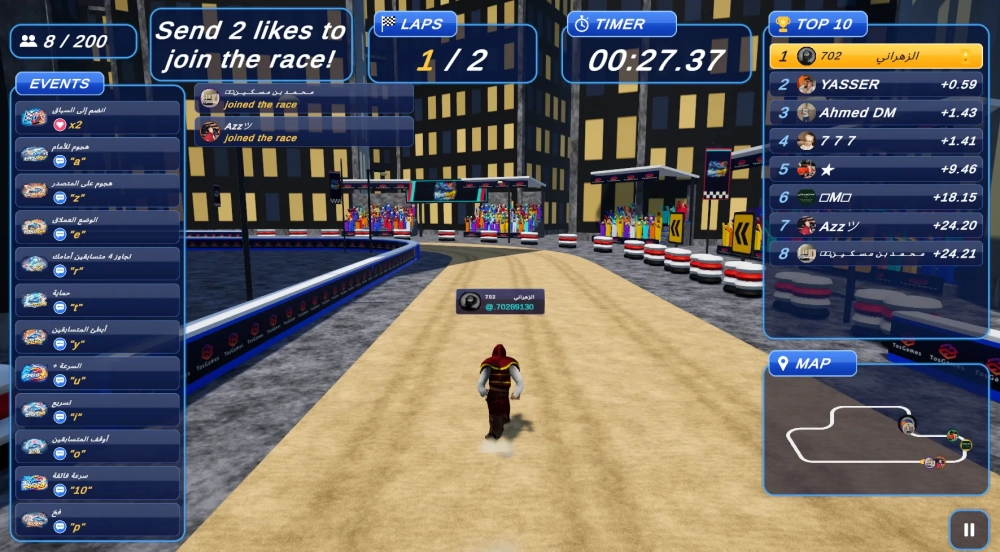
The first three finish on a podium with their photos on a CHAMPIONS board. The TOP 10, the mini map and live notifications keep every viewer watching their own racer from the first lap to the last.
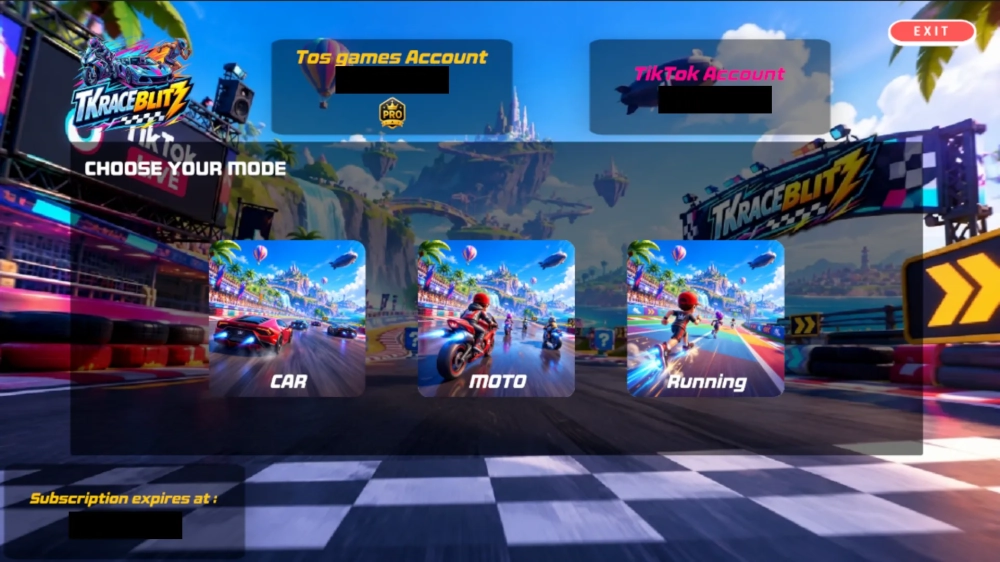
Three game modes
|
Mode |
Racers |
What makes it special |
|---|---|---|
|
Car |
cars |
Real steering, drifts, brake lights, engine and turbo sounds |
|
Moto |
Motorbikes |
The fastest mode, bikes leaning into every corner |
|
Run |
Animated runners |
A foot race with a skateboard for Turbo and a jetpack for Super Turbo |
Key features
- Up to 200 viewers in the same race, each with their TikTok name and photo.
- 6 triggers: gifts, comment keywords, likes, follows, shares and viewers joining the live.
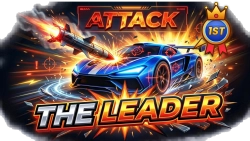
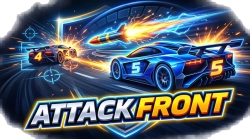
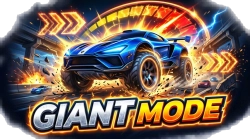
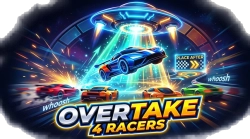
- 12 race events: Speed +, Turbo, Super Turbo, Attack the leader (missile), Shoot ahead, Shield, Storm, Freeze, Teleport (UFO), Giant mode, Trap.
- Any reaction joins the race: a like, a comment or a gift is enough.
- 9 circuits, 3 per mode, in themed daylight environments with cheering grandstands: Tropical Bay, Neon City, Canyon, Desert, Coastline, Snow Mountains, Stadium, Autumn Park, Downtown.
- Live HUD: TOP 10 with photos, a clickable mini map, a notification feed, and an events panel in 5 styles.
- Racing-game camera that follows the leader, jumps to viewers who send gifts first, and has a cinematic TV mode.
- Podium and results for the top 3, with drifts or victory dances.
- Chat voice that reads comments aloud, in the language you choose.
- Names in every alphabet (Arabic, Chinese, Korean...) displayed correctly.
How to use it
First setup takes about 10 minutes; after that the game remembers your settings for each mode, so starting a new live takes a few clicks.
1. Install
- Download TKRaceBlitz from tosgames.com (click on Donwload Game) and install it.
- Run the game.
2. Log in
- Log in with the email and password of your TosGames account (an active PRO subscription is required).
- Check that the TikTok username shown in the main menu is exactly the account you go LIVE with.
3. Choose a mode and set up the events
- Pick Car, Moto or Run.
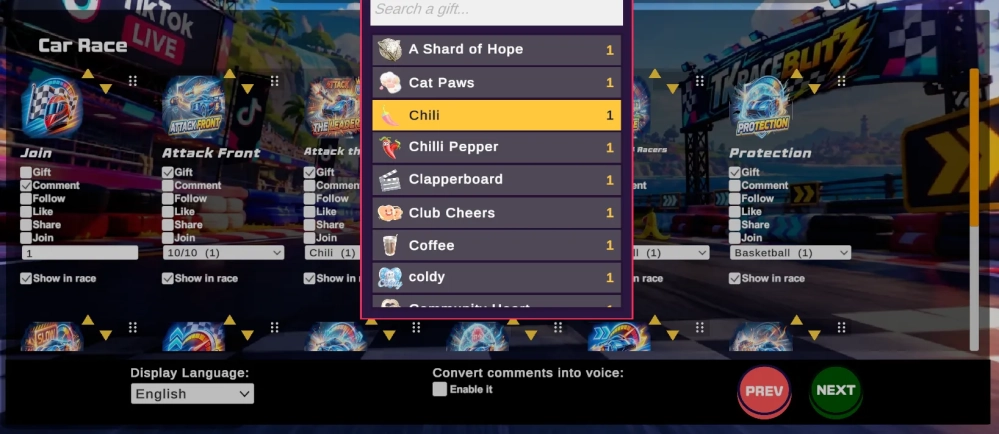
- On each event card, choose its trigger: a gift (search it by name in the gift list), a comment keyword, a number of likes, a follow, a share, or a viewer joining the live.
- Use at least 3 events, including Join. A gift or a comment keyword can be used by one event only.
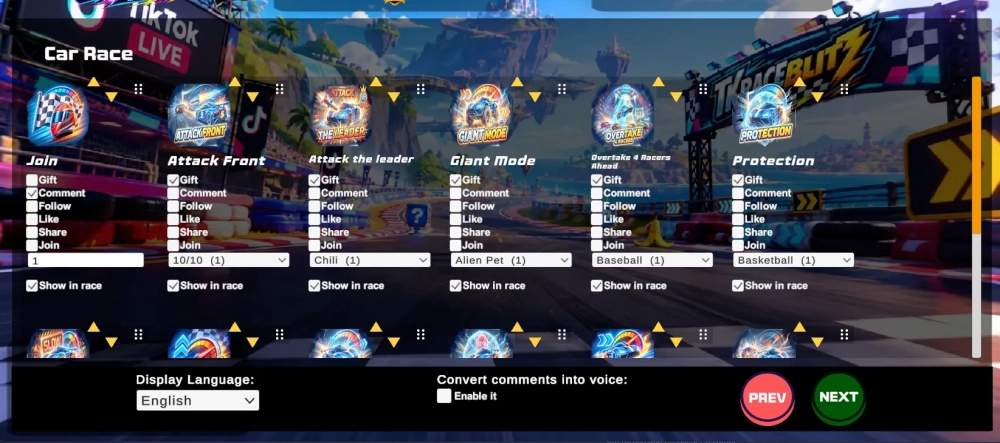
- Untick Show in race to keep an event working without listing it on screen.
- The chat voice and its language.
- Reorder the cards with the arrows or the grip: the race shows them in this order.
4. Choose the circuit and the display
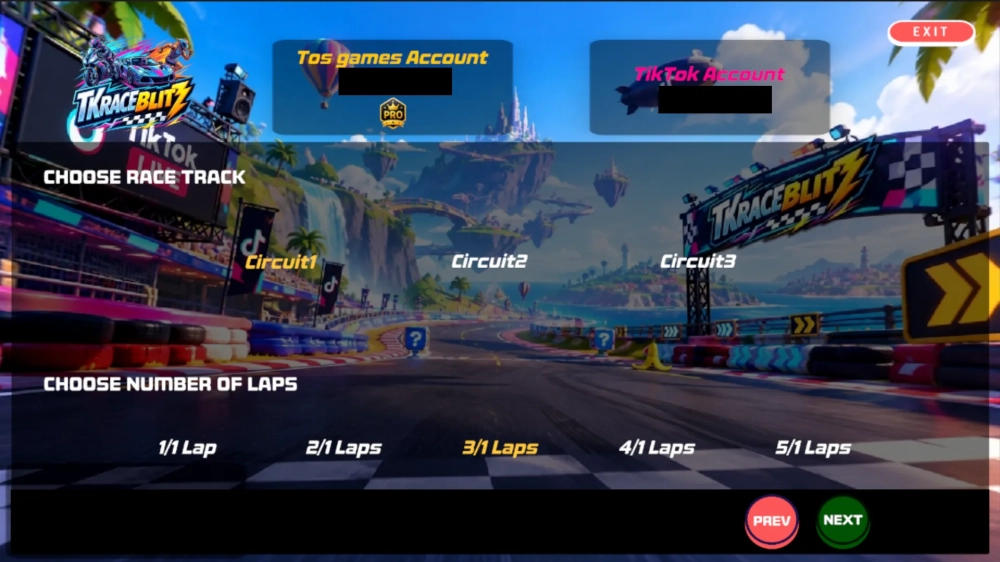
- Pick one of the 3 circuits of the mode and the number of laps (1 to 5).
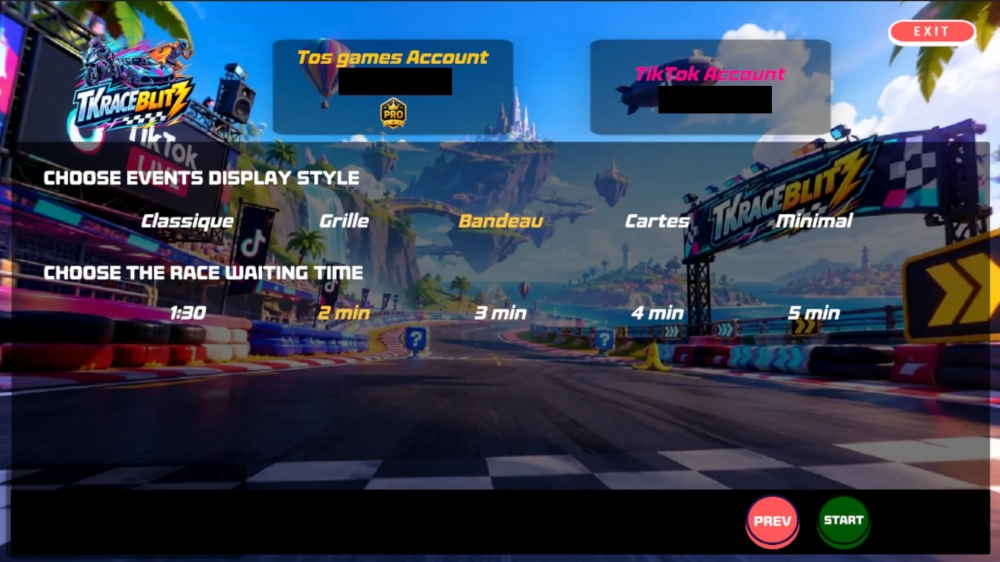
- Pick the events panel style, the waiting time before the start.
5. Go LIVE and start
- Start your TikTok LIVE first, from TikTok LIVE Studio.
- Click Start in the game: it connects to your live.
- Add the game to your live: a Game capture or Window capture source in LIVE Studio. Put your webcam on top.
- Viewers join by reacting. Start the race with G (minimum 4 racers), or let the timer start it.
Keyboard controls
|
Key |
Action |
|---|---|
|
G |
Start the race now (4 racers minimum) |
|
F |
Go straight to the podium once the 1st has finished |
|
C |
Film the next racer of the ranking |
|
V |
Cinematic camera on / off |
|
Click a dot on the map |
Film that racer |
|
P or Esc |
Pause menu: sound and music volume, chat voice, events panel, fullscreen |
|
Right mouse + W A S D (before the start) |
Move the camera over the starting grid |
Tips for a live that respects TikTok rules
- Keep your webcam visible and talk throughout the live: you are the host, the game is the show.
- Start each race yourself with G and comment on the action.
- Put most events on free actions (comments, likes) and never ask for gifts in exchange for an action.
- Use a title that matches what is on screen, for example "TKRaceBlitz – Race with me!".
You need a Windows PC, a TosGames PRO account, and a TikTok account that can go LIVE from a computer. The PC figures are estimates from how the game is built, not benchmarks.
PC
|
|
Minimum |
Recommended |
|---|---|---|
|
System |
Windows 10 64-bit |
Windows 11 64-bit |
|
Processor |
4 cores (Intel Core i5-8400 / AMD Ryzen 5 2600) |
6–8 cores (Intel Core i5-12400 / AMD Ryzen 5 5600X or better) |
|
Memory |
8 GB RAM |
16 GB RAM or more |
|
Graphics |
DirectX 11, 4 GB (GTX 1050 Ti / RX 570) |
DirectX 12, 8 GB (RTX 3060 / RX 6600 or better) |
|
Storage |
3 GB free |
SSD, 5 GB free |
|
Screen |
1920 × 1080 |
1920 × 1080 |
|
Internet |
10 Mbps upload |
Wired, 20 Mbps upload or more |
A GPU with a hardware encoder (NVIDIA NVENC / AMD AMF) keeps the stream smooth while the game and the streaming app run on the same PC.
TikTok account
|
Requirement |
Detail |
|---|---|
|
Age |
18 or older to go LIVE and to receive gifts (19 for gifts in South Korea) |
|
Followers |
1,000 or more in most regions to unlock LIVE |
|
Streaming from a PC |
TikTok LIVE Studio access, or a stream key (RTMP) for OBS. TikTok grants it account by account, and not every eligible account has it |
|
Account standing |
No active LIVE restriction: violations of the Community Guidelines or LIVE monetization rules can remove LIVE access |
Also needed
- A TosGames PRO subscription (email and password). There is no free plan.
- Your TikTok username saved in your TosGames account, exactly as on TikTok.
- TikTok LIVE Studio to send the game to your live.
Events & triggers
Showing 12 of 12